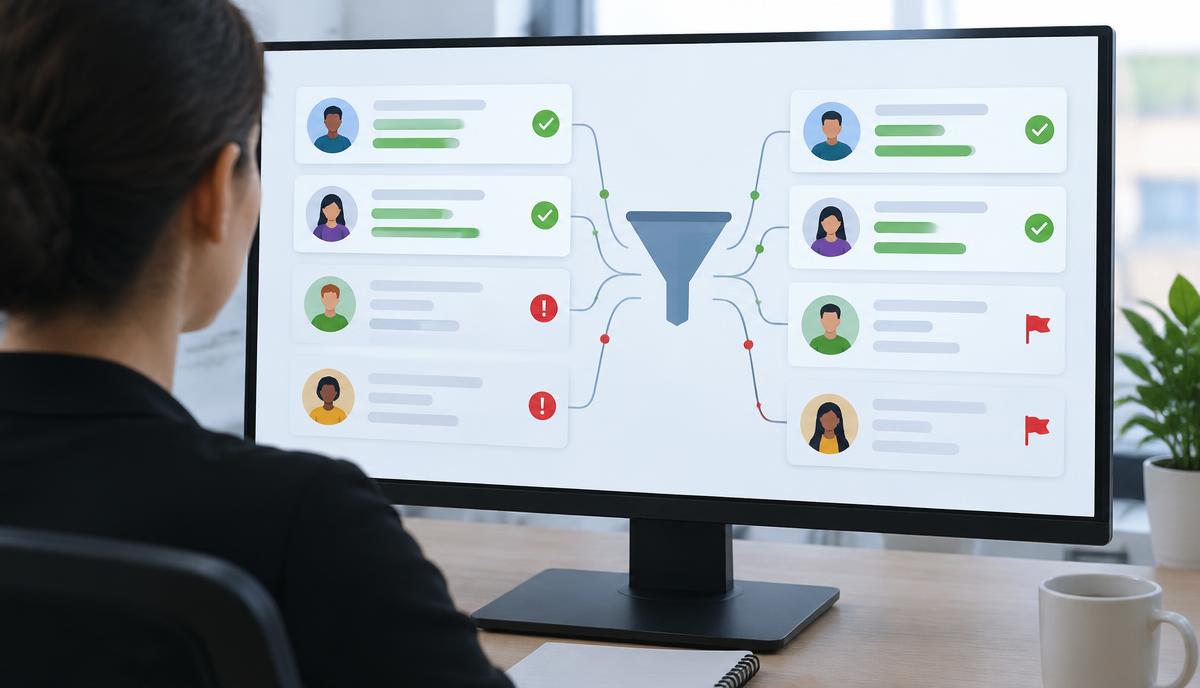
Customer Intelligence Needs Real Governance
Customer intelligence automation either earns trust or slowly kills it. When scores jump, routing breaks, or alerts feel random, sales leaders stop believing the system, no matter how smart it looks on a slide.
If you want trust to last, you have to run customer intelligence like an operational system. That means identity resolution, routing logic, scoring, and alerts all follow real rules for change control, SLAs, and incident response. Because we sit in the middle of marketing, RevOps, IT, and sales, we end up owning the trust layer for how this data shows up in the field.
Here’s a practical way to run that layer so it doesn’t blow up when Q4 campaigns hit and Q1 pipeline targets go live.
Know Your Customer Intelligence Surface Area
First, define the actual system. It’s never just your CRM or marketing platform. It’s the full path from a signal to a sales action.
Most teams are dealing with pieces like:
- Data sources: site traffic, chat, offline lists, events, third-party intent, product usage
- Processing: identity resolution and matching, dedupe, scoring, segmentation, suppression
- Activation: CRM, SDR tools, marketing automation, ad platforms, direct mail, data warehouses
Sales Ops usually owns the rules, not the servers. That means you’re responsible for:
- Field definitions and data contracts
- Matching and routing logic
- Scoring models and thresholds
- Automation configs, alerts, and tasks
IT may own infrastructure. Marketing may own creative and budgets. But if a lead goes missing or an account gets routed wrong, the finger usually points to Sales Ops.
Concrete example: one team mapped its intent-to-task flow and found 11 systems in the path from first web visit to SDR task. Before mapping, they could only guess where leads were getting stuck. After mapping, they found a misconfigured dedupe rule in their enrichment tool that was dropping about 3% of high-intent leads every week.
Think about a simple flow. A visitor hits your site, fills out a form, and should trigger an SDR task in under 10 minutes. That path might touch:
- Web tracking
- Identity resolution
- Enrichment
- Scoring
- Routing
- CRM
- SDR engagement tool
Every hop is a potential failure point. A clean way to control this is to keep a single automation map. For each critical flow, record:
- Owner
- Systems involved
- Risk level
- Last change date
This becomes your source of truth when something goes wrong or when someone asks to change a rule during a busy quarter.
Put Simple Change Control in Place
Most trust problems come from quiet changes. Someone adds a field, tweaks a score, or updates routing right before a big push. Two weeks later, MQL volume is strange and nobody remembers what changed.
You don’t need heavy IT process, but you do need a minimum bar for changes:
1. Clear change request and impact description
2. Risk category: low, medium, or high
3. Required tests and signoffs
4. Planned effective date and rollback plan
Keep the risk classes simple:
- Low risk: labels, views, minor UI tweaks
- Medium risk: new fields, new playbooks, segment logic, new alerts
- High risk: routing rules, scoring frameworks, match rules, data source changes
Customer intelligence automation that touches identity resolution, match rules, or intent thresholds belongs in the high-risk bucket every time.
Mini case study: a B2B SaaS company changed its MQL score right before Q4 without a change log. MQLs jumped 40% overnight, but opp conversion dropped by half. Because there was no record, it took three weeks to connect the dots and roll back the change. When they introduced a basic change form, a sandbox, and a two-week parallel run, later scoring tweaks moved MQL volume by 10, 15% with almost no disruption.
For a high-risk change to MQL scoring before Q4, a sane process looks like:
- Build and test in a sandbox
- Run old and new scores in parallel for two weeks
- Compare volume, conversion, and routing impacts
- Plan a cutover window and rollback path
Then log it. For each change, record:
- Date and change ID
- Owner and reviewers
- Systems touched
- Expected KPI effect, like expected swing in MQL volume or match rate
When sales leaders ask why volume shifted, you have a real answer, not guesses.
Set SLAs That Match How Sales Works
SLAs are just clear promises about speed, accuracy, and stability. For customer intelligence, they answer three basic questions:
- How fast do signals show up in sales tools?
- How complete and accurate is the data?
- How stable are the flows over time?
You can frame SLAs in three buckets:
- Timeliness: lead creation, account updates, and intent-driven tasks within a set time during business hours
- Quality: match rates on known business traffic, enrichment coverage for target accounts, routing accuracy
- Stability: uptime of automations, freshness of records, and how often jobs fail
Sample SLA ideas:
- Visitor to identified contact or account in under 15 minutes during business hours
- Match rates for named accounts within an agreed range, for example, 70, 85% of known visitors mapped to an account
- Routing errors kept under 1, 2% of new leads each month
For a B2B team heading into Q1, you might say: any high-intent signal should create a next-best-action task within five minutes during local working hours. That way, reps can follow up same day while interest is still high.
Mini case example: a mid-market sales team set a 10-minute SLA from demo request to SDR task. Before the SLA, only about 40% of demo requests were touched same day. After they tracked the SLA on a shared dashboard and fixed two slow integrations, same-day follow-up jumped to over 80%, and meeting rates on demo requests improved by roughly 20%.
To make SLAs real, decide:
- Who monitors each SLA
- How often they review, like daily checks for timeliness and weekly for quality
- Where results are visible, such as a dashboard that sales leaders can see anytime
When delays spike, you know it before the field feels it.
Handle Incidents Like a Production Team
An incident is anything that materially distorts what sales sees. That can look like:
- No new leads getting assigned
- Scores dropping to zero
- Accounts losing owners
- Workflows stuck and not firing
Use a simple severity model:
- Sev 1: revenue at risk within hours, like demo requests going nowhere
- Sev 2: revenue at risk over days, like wrong territories or missing segments
- Sev 3: reporting or nuisance issues, like label mistakes
Your incident playbook can be short:
1. Detection: monitoring or a report from the field
2. Triage: assign severity and owner within 15 to 30 minutes
3. Containment: pause flows or roll back to a known good config
4. Communication: tell sales leaders what’s happening in plain language
5. Root cause and fix
6. Postmortem and update to process or monitoring
Say a routing change on the first of the month sends every demo request into a dead queue. A good response looks like:
- An alert fires or a rep flags missing demos
- Sales Ops calls it a Sev 1 and takes ownership
- Routing is rolled back to the last stable version
- Affected leads are found by queries and reassigned to the right reps
- Leaders get a quick summary with counts and next steps
Mini case study: one team treated a broken enrichment job as a low-priority issue because leads were still flowing. Two weeks later, reps were working bare-bones records with no industry or company size. Meeting rates dropped by about 15%. After they reclassified enrichment failures as Sev 2, they added monitoring and a runbook to fix or rerun jobs the same day.
Document each incident in a short report that covers:
- Timeline
- Root cause
- Impact, like how many leads or accounts were affected
- Temporary workarounds
- Permanent fixes and new checks
When you can explain a problem clearly within a day, trust usually goes up, not down.
Measure Trust and Make It a Q4 Project
Trust sounds soft, but you can measure it. Look at:
- Alert and task adoption: how often reps work customer intelligence tasks within the expected time
- Exception volume: how many manual reroute requests or side-door asks you see
- Stability: how many incidents you have and how often changes cause issues
Add a simple survey for sales managers each quarter. Ask how confident they feel in scores, routing, and alerts, and watch how that shifts as you tighten governance.
Mini example: a sales org scored routing trust at 6 out of 10 in Q2 and logged an average of 50 manual reroute requests a month. After putting basic change control and SLAs in place for top routes, trust scores moved to 8 out of 10 and reroute requests dropped to about 15 a month by Q4.
A helpful rhythm is a monthly trust review with Sales Ops, marketing ops, and sales leaders. Bring:
- SLA performance
- Incident list and what changed
- Change log highlights
- Adoption metrics
As Q4 planning rolls in, this governance work fits naturally. You can use a short checklist:
- Map key automations and data flows
- Define change classes and approvals
- Set a few core SLAs
- Draft incident severity levels and a template
- Stand up basic monitoring and a change log
Start with your highest-impact flows, like intent-to-task, demo requests, and top account routing. Once those are governed, adding more customer intelligence automation becomes safer, and trust holds steady even as the system grows.
The takeaway: treat customer intelligence like a production system, not a side project. Map the flows, control changes, set SLAs, run real incidents, and measure trust. If we do that, customer intelligence becomes something sales relies on, not something they work around.
Turn Your Customer Data Into Revenue-Driving Intelligence
Activate the full value of your customer data with our enterprise-grade customer intelligence automation. At DataMoon, we help you unify fragmented data, surface actionable insights, and put them into play across your marketing, sales, and service teams. If you are ready to move from reactive reporting to proactive decisions, let us help you design a roadmap tailored to your goals. Reach out to contact us and start building a smarter, more predictive customer engine today.